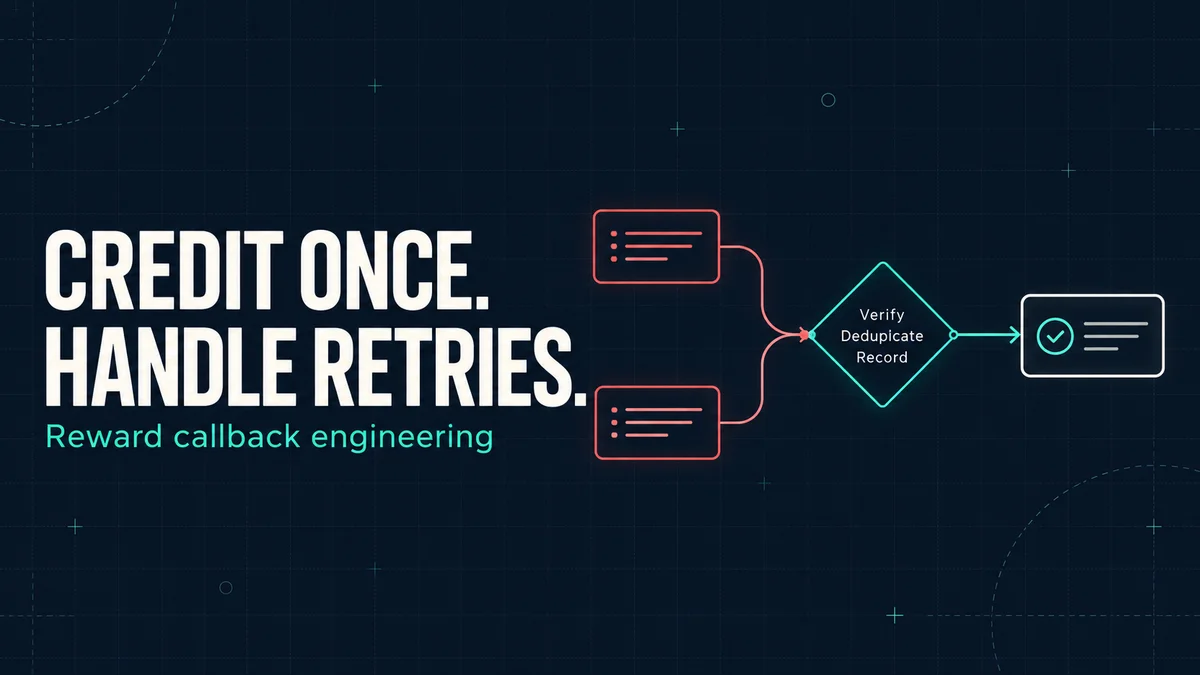
If rewarded surveys are not showing, first identify what failed: loading the feature, obtaining availability, opening the interface, finding suitable content, or confirming a reward afterward. These are separate stages, and an empty screen does not diagnose all of them.
The following nine checks help a developer narrow the failure before changing providers or reward amounts. Use a development app and permitted test accounts; the steps are diagnostic guidance, not a method for bypassing eligibility or traffic controls.
1. Name the failing stage
Write down the last successful action and the first unexpected result. “App starts, rewards screen opens, availability check fails” is more useful than “no fill.”
Separate a disabled button, a blank presentation, a documented unavailable result, and a pending wallet credit. Record one redacted event for each boundary so you can tell whether a request reached the next stage.
For example, a rewards card might disappear because your UI treats a network error as an empty result. That is a state-model issue even if suitable content could become available later.
2. Confirm the app and environment
The official integration testing checklist calls for matching platform and application configuration. Check the relevant package name, bundle ID, or hostname and confirm that the installed build uses the intended environment.
Record the build identifier and configuration source. A teammate testing an older artifact can see a different problem from someone running the latest development build, even when both use the same screen.
Confirm approval and mode through the supported dashboard process. Do not silently switch a development build onto production services to see whether the symptom disappears.
3. Verify native inclusion and completed initialization
A JavaScript import does not prove that a native module exists in the installed app. Follow the current platform guide and rebuild when the native dependency or configuration changes.
The React Native guide distinguishes not_linked from not_initialized. Use the corresponding platform guidance rather than applying one wrapper's error names to every SDK.
If you use Expo, read the development-build planning guide. Repeated JavaScript reloads cannot supply a native library that is absent from the installed artifact.
4. Check account identity and web UID construction
Confirm that the earning request belongs to the current internal account. Test whether reopening and switching accounts preserve the intended mapping rather than reusing a stale context.
For the web iframe, the UID troubleshooting guide explains common checksum and encoding mistakes. Preserve the App ID exactly, use the credential specified for UID generation, and encode the final UID for transport. Do not interchange the App Key with the callback Transaction Key.
Keep checksum generation and sensitive credentials on the server. Do not log a full credential-bearing URL while trying to diagnose an identity failure.
5. Separate readiness from availability
Initialization and content availability answer different questions. Follow the selected SDK's documented availability contract rather than enabling “Earn” because setup succeeded.
Model checking, unavailable, and failed states separately. Use a clear unavailable message when there is no suitable activity, and offer a recoverable error when the request itself failed.
Do not invent a guaranteed number of surveys for a country, device, or profile. Availability can vary, and a correctly initialized integration can legitimately have nothing suitable to present.
6. Inspect presentation and lifecycle
Check whether the app is in a state that can display the earning interface. The React Native documentation identifies foreground activity and presenter errors; other platforms have their own presentation requirements.
Exercise opening from the intended screen, returning from background, closing the interface, and opening it again. Verify that a duplicate tap does not start two overlapping presentation attempts.
In a game, also inspect input and audio recovery. A successful presentation should not leave the surrounding product partly paused after return.
7. Reproduce network and layout failures
Test a permitted normal connection, a deliberate offline case, and a narrow viewport. Distinguish a failed request from content clipped outside the visible area.
Inspect redacted network outcomes and browser errors without publishing private payloads. If a quality or access restriction is reported, follow the official diagnostic and support path. Do not rotate identities, spoof attributes, or change network location to evade it.
Try one controlled change at a time and record the result. Changing credentials, account, device, and build together may hide the original cause.
8. Treat a missing reward as a separate backend investigation
If the earning experience opens but the balance stays unchanged, investigate the callback and wallet path. That symptom does not establish a content-availability failure.
Trace the test transaction through verification, receipt storage, ledger processing, and wallet refresh. Repeated processing should not create a second credit. Use the callback checklist for duplicate and reversal cases.
State exactly which checks passed. A callback test is evidence about callback handling; it does not automatically establish a real survey completion or every possible outcome.
9. Prepare a focused support handoff
Provide the platform, build and SDK versions, environment, redacted application reference, timestamp with timezone, failing stage, error code, and reproduction steps. Keep credentials and personal data out of public tickets.
| Field | Example of useful information |
|---|---|
| Expected behavior | Signed-in user opens rewards and receives a readiness result |
| Observed behavior | Initialization finishes; availability request fails |
| Scope | One development build on one tested platform |
| Already checked | Application identity, account mapping, normal connection |
| Evidence | Redacted error code and timestamp; no secrets |
Share sensitive diagnostic references only through an approved private support route when needed. A precise report makes it easier to investigate without giving every collaborator the entire request history.
Questions developers ask
Should I retry until a survey appears?
Follow the documented request behavior and use controlled retries for recoverable failures. A tight loop does not fix account configuration or create inventory.
Should I hide the whole rewards section?
Choose deliberately. An understandable empty state can explain temporary unavailability while preserving the rest of the app.
What is the shortest useful diagnosis?
Identify the failing stage, verify the app and account context, capture the documented result, and reproduce it in a controlled environment. Then change the layer supported by that evidence.