A React Native rewards screen can look finished while the native integration underneath it is still missing. This is especially easy to miss when a team moves from a JavaScript prototype in Expo Go to a build that must contain a monetization SDK.
Plan the installed app, the account flow, and the reward backend together. This guide explains that planning boundary; it does not certify a particular RapidoReach and Expo version combination.
Can a rewarded survey SDK run in Expo Go?
Expo's development-build FAQ explains that Expo Go contains a fixed set of native libraries. JavaScript can use the native code already present, but installing a new package does not insert its native implementation into that app. Some native libraries are included; others require your own build.
For a native survey SDK, establish which native modules the wrapper needs before choosing the test environment. A screen that renders successfully in Expo Go proves the screen renders. It does not establish that an absent native dependency can initialize or present content.
Decide what each build is supposed to prove
Use a lightweight prototype to settle wording, navigation, empty states, and layout. Keep that evidence separate from integration evidence collected from an installed artifact.
| Stage | What to establish | What remains unproven |
|---|---|---|
| UI prototype | Placement and understandable earning choice | Native SDK behavior and real rewards |
| Development build | Native dependencies, setup, account flow, presentation | Behavior of the final release artifact |
| Release candidate | Packaged configuration and end-to-end acceptance checks | Long-term business performance |
Expo documents development builds as your own native app, with the libraries and configuration your project requires. Follow its current setup instructions and select the appropriate local or hosted build workflow for your team.
Check the official React Native integration first
Start with the RapidoReach React Native guide and release matrix. The documented wrapper is @rapidoreachsdk/react-native-rapidoreach. Check current platform requirements and native dependencies before installation.
Record your framework version, wrapper version, native SDK versions, target platforms, and build method in the integration notes. Resolve requirements against the application you actually have, rather than copying an older blog's dependency pins.
Do not invent a configuration plugin or assume automatic compatibility because two packages use React Native. If your Expo workflow needs native configuration, inspect the package's instructions and Expo's library guidance, then verify the resulting artifact.
Diagnose a missing module before changing the UI
Ask three concrete questions when the rewards button fails: is the native module in the installed app, has initialization completed, and can the current screen present the earning interface?
The official SDK guide distinguishes missing linking, initialization, and foreground presentation errors. Preserve a redacted error code and the build identifier so the next investigation starts at the responsible layer.
For example, a developer updates a package and reloads JavaScript on a phone with an older development build. Repeating the button action does not update that installed native artifact. Rebuild when native dependencies or configuration change, then check the new artifact before adjusting product logic.
Keep the integration boundary tied to the account
Use one app-owned service or hook boundary to manage setup and presentation. Track the account that initiated asynchronous work. A delayed result from account A must not become an available earning session for account B after a sign-out.
Give initialization, checking, ready, unavailable, presenting, and failed states clear meanings. Disable repeated launches while a request is active, and make retry available after recoverable failures.
Clean up event subscriptions when their owner is disposed. Treat reopening a screen and resuming the app as normal lifecycle cases, not exceptional paths that can leave duplicate listeners behind.
Refresh the wallet after return
Keep the confirmed balance on your backend. Returning from a survey can trigger a balance refresh, while the backend decides whether a verified transaction has changed the ledger.
Represent pending confirmation separately from spendable currency. If a request times out, let the user continue using the app and check the confirmed wallet again later. Avoid making a local animation or a close event the accounting record.
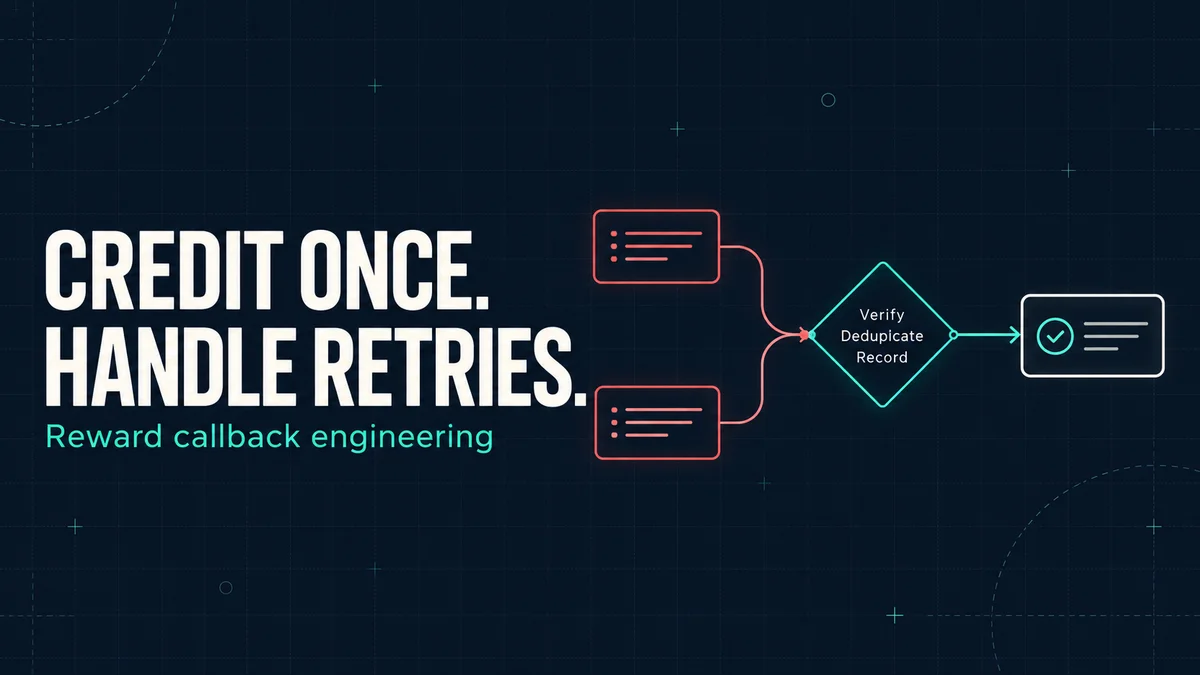
The reward callback engineering guide explains duplicate processing, corrections, and acknowledgment boundaries. Scope that work before estimating the integration as a single client-side task.
Test Android and iOS as separate release paths
- Install the intended artifact and confirm its environment and application identity.
- Open from a signed-in development account, close, reopen, and switch accounts.
- Exercise no available content, lost connectivity, and a recoverable presentation failure.
- Background and resume the app; verify input, navigation, and any game audio recover.
- Verify backend reward processing separately from presentation, including duplicate delivery.
- Repeat the acceptance checks on each platform you will ship.
Record what happened on a specific device and build. “The button opened” is useful evidence for presentation, but it does not prove account isolation or confirmed reward delivery.
Questions React Native developers ask
Does a development build guarantee SDK compatibility?
No. It lets the app include its required native code. Compatibility still depends on the actual framework, dependency, configuration, and platform combination you test.
Should a web preview use the native wrapper?
Evaluate web as its own target and use a documented web integration when appropriate. Sharing a component tree does not make every native capability available in a browser.
What should we scope before starting?
Define the earning placement, supported targets, account mapping, ledger ownership, and release checks. Compare the Flutter planning guide for another example of separating shared UI from platform evidence.