
Respondent targeting, cloning
Getting the right people to take your survey is very important! Targeting your desired population in the Respondent Targeting section will ensure you get exactly who you need.
Targeting:
Choose how many respondents you need and add targeting options to define your audience. Keep in mind that at least one targeting option is required (Note: targeting can only be between ages 16-99).
The targeting options are categorized under subjects. Simply click the categories to expand or collapse the lists:
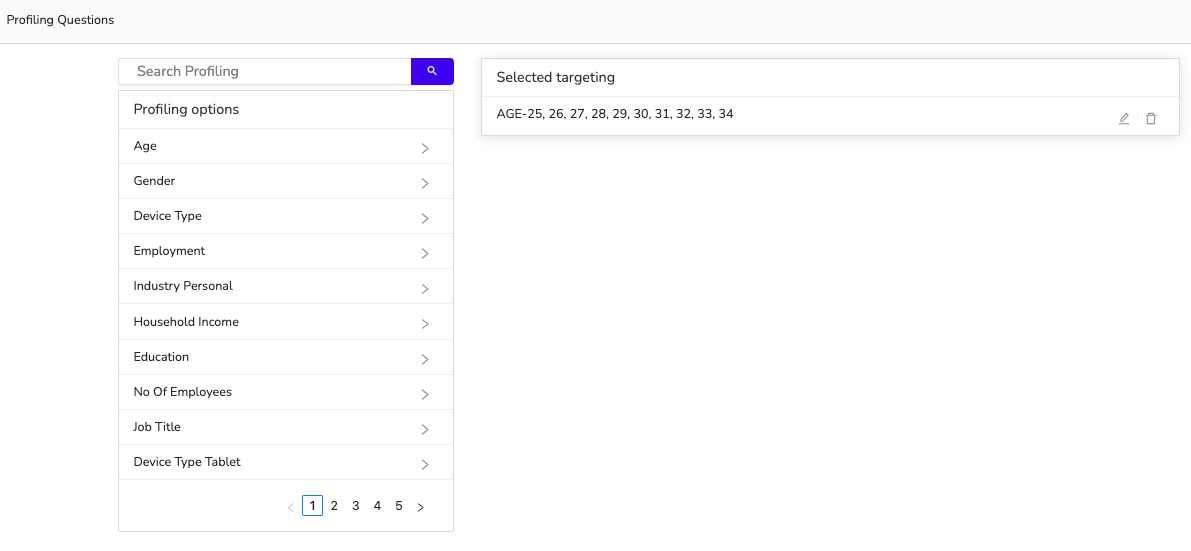
When you select a characteristic, you will see a pop-up with the actual question wording and the answer options. In this example, we're selecting dog owners:
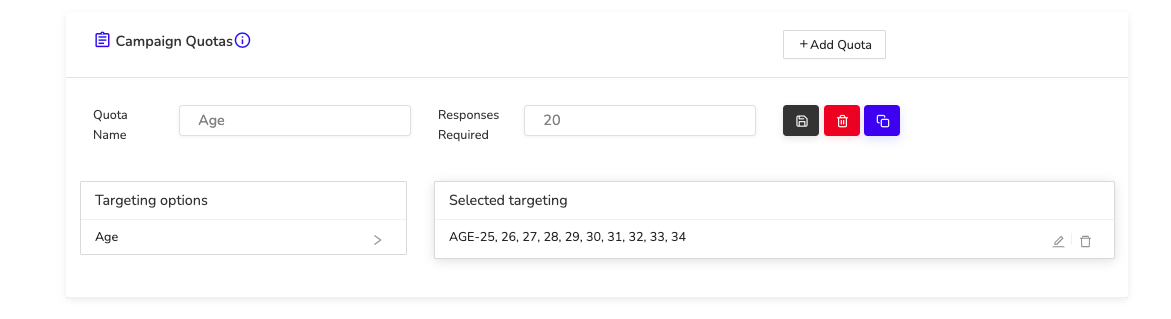
As you add more targeting, the number of respondents we can reach will decrease, but you will not pay anything more for this targeting ability.
Create as many target groups as you need. The Campaign will run until all target groups are filled or it receives zero responses over seven days.
If you need to target something that isn't included in our options, you can set up a prescreening question.
Creating multiple target groups/Cloning:
If you have multiple groups you'd like to target or if you'd like to manage quotas, you can add more target groups. This can be done in two ways:
Click the +Add target group. This will create a second blank target group
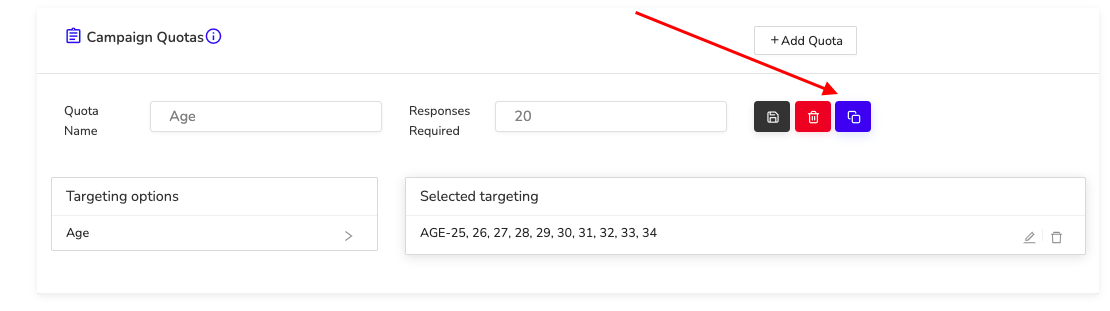
Click the Clone button in the top right-hand corner (see below image). This will copy your current target and you can change what you need. This is helpful if you have a large number of requirements that you don't want to re-enter.
For any questions, please reach out to info@RapidoReach.com
RapidoReach Monetization
Turn your app traffic into real revenue
Join 2,000+ publishers already boosting ARPU by up to 40% with in-app surveys. No SDK headaches — integrate in minutes.
Written By
Vishal Gautam
February 28, 2022