

Campaign Completes; Campaign Performance;
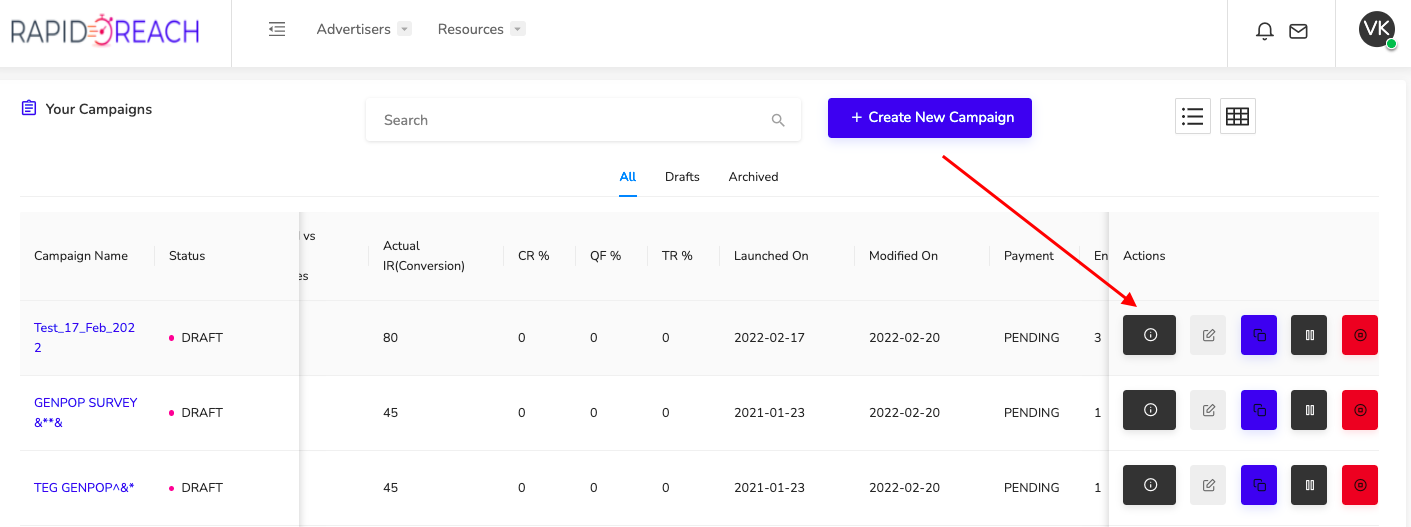
To see more details about your Campaign while it's fielding, click the "details" button that looks like this:
From here you can see how many completes you have obtained, how many completes you have left, and how many people have abandoned or terminated out of the survey.
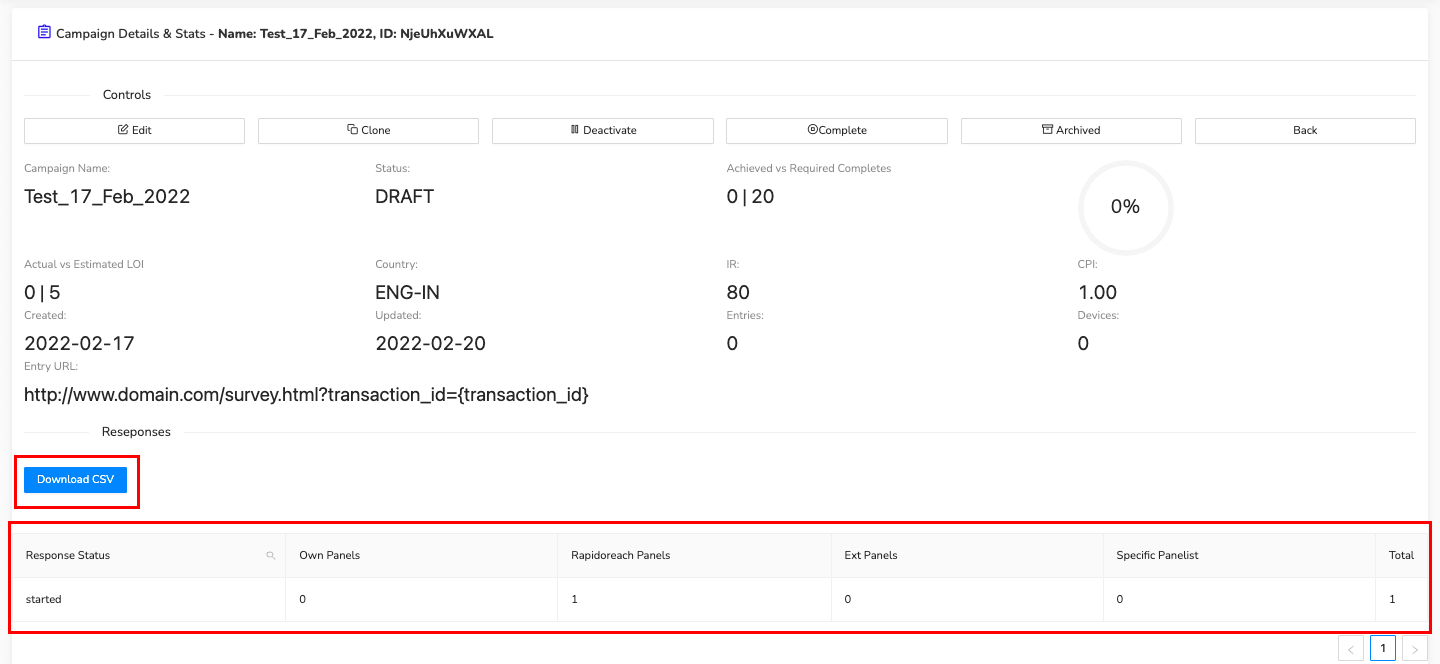
You can also see the Actual Length of Interview (ALOI) vs. the estimated time entered when you set up the Campaign (LOI).
You can also click the "Download CSV" button which will give you demographic information on everyone that has completed your survey.
RapidoReach Monetization
Turn your app traffic into real revenue
Join 2,000+ publishers already boosting ARPU by up to 40% with in-app surveys. No SDK headaches — integrate in minutes.
V
Written By
Vishal Gautam
February 28, 2022